Windows Server 2028 Will Make 32-Bit App Support Optional
MS is continuing its effort to modernize Windows by removing decades-old components, with early changes already appearing in preview builds of consumer editions of Windows 11. For Windows Server 2028, scheduled to arrive alongside Windows 11 27H2 in fall 2027, the company plans a more significant change: support for 32-bit applications will no longer be included by default.
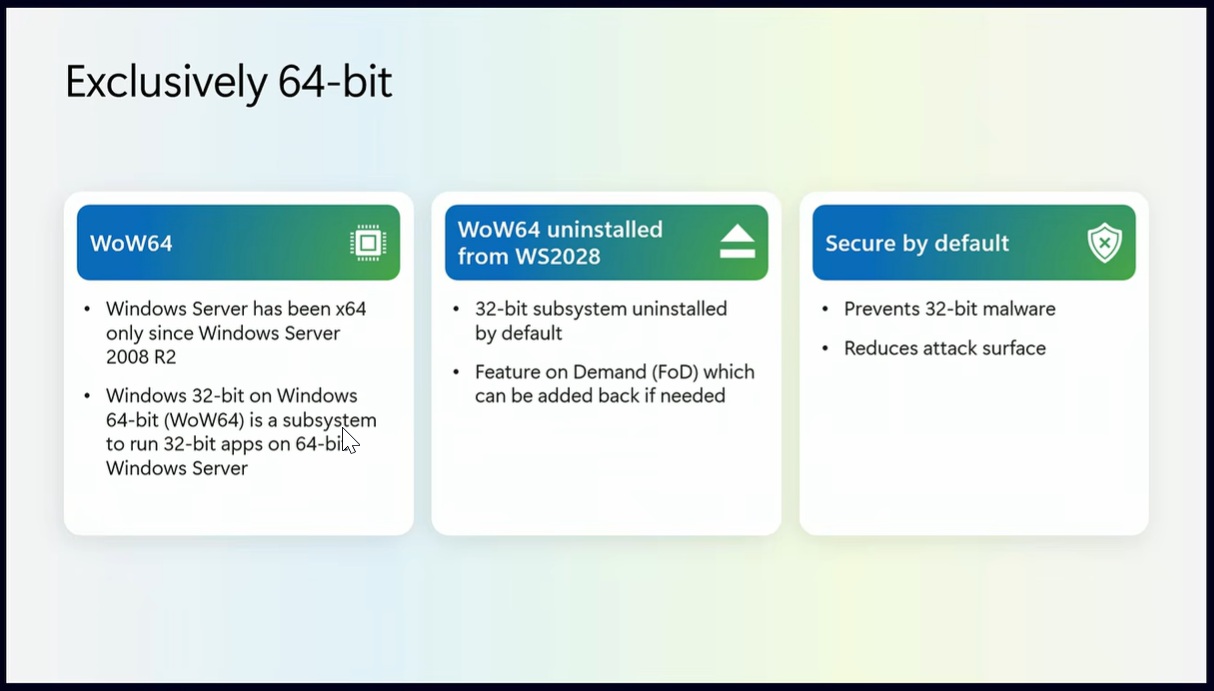
At Ignite 2026, MS announced that Windows Server 2028 will not ship with the WoW64 subsystem enabled by default. WoW64, short for Windows 32-bit on Windows 64-bit, is the compatibility layer that allows 32-bit applications to run on 64-bit versions of Windows.
Neither Windows nor Windows Server has offered a 32-bit release for years. Windows 11 has been available exclusively as a 64-bit operating system since 2021. Windows Server abandoned 32-bit releases much earlier, although MS continued supporting older 32-bit applications through WoW64.
Eldon Christensen of MS’s Windows Server team explained that Windows Server has been 64-bit-only since Windows Server 2008 R2. Windows Server 2008 was the final 32-bit release, while 2008 R2 retained WoW64 so customers could continue running 32-bit software on a 64-bit operating system.
WoW64 Will Remain Available as a Feature on Demand
MS will not completely prevent customers from using 32-bit applications. Administrators will be able to restore WoW64 as a Feature on Demand (FOD). On Windows Server, optional features are commonly installed through PowerShell or DISM, particularly on Server Core installations that do not include the Settings application.
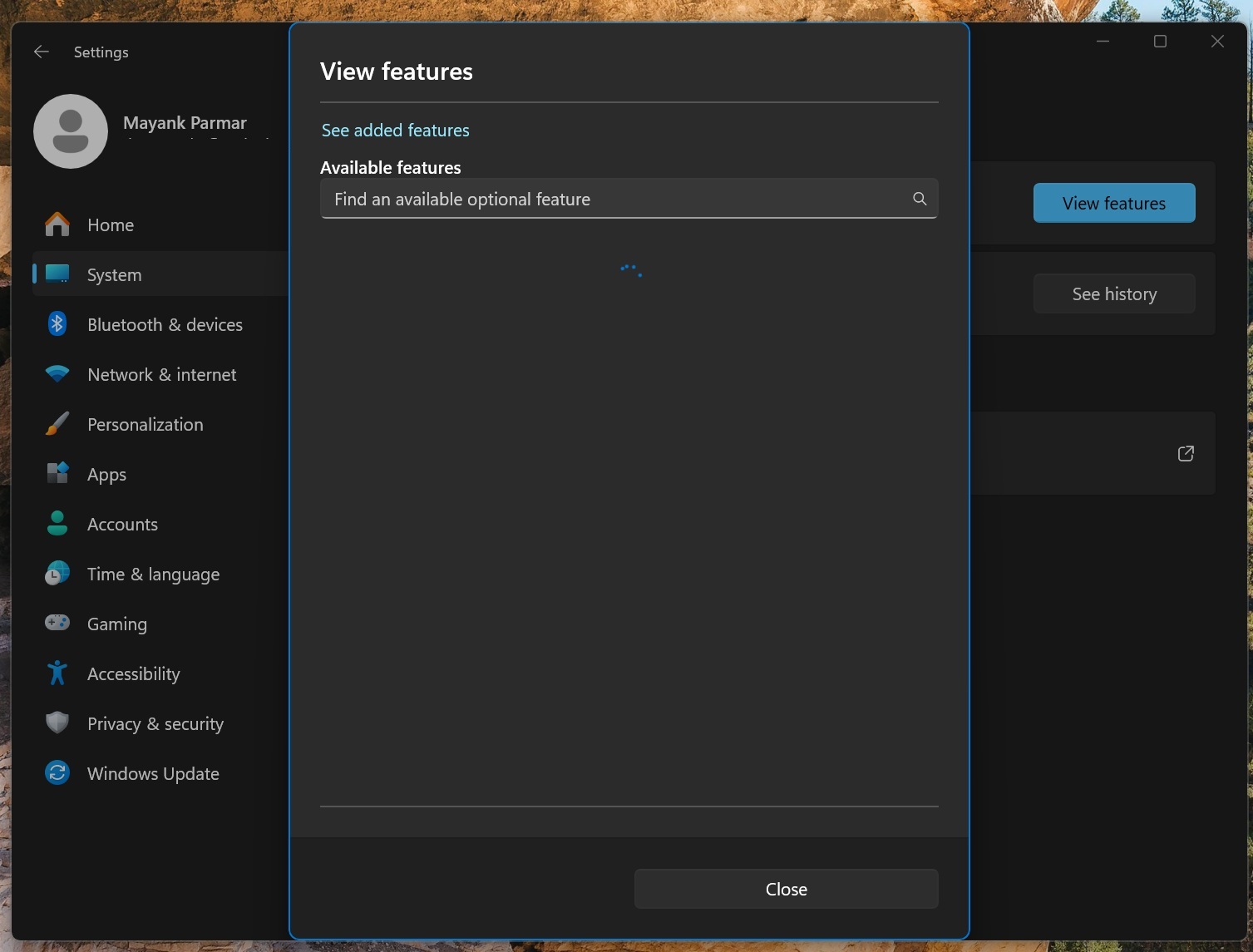
Christensen confirmed that organizations with 32-bit line-of-business applications will be able to add the WoW64 subsystem when required. The change therefore removes the component from the default configuration rather than eliminating access to it immediately.
The approach resembles MS’s earlier handling of WordPad. The company first converted WordPad into an optional feature that users could remove and reinstall, then eliminated it from Windows 11 24H2. Restoring WordPad now requires copying its files from Windows 10.
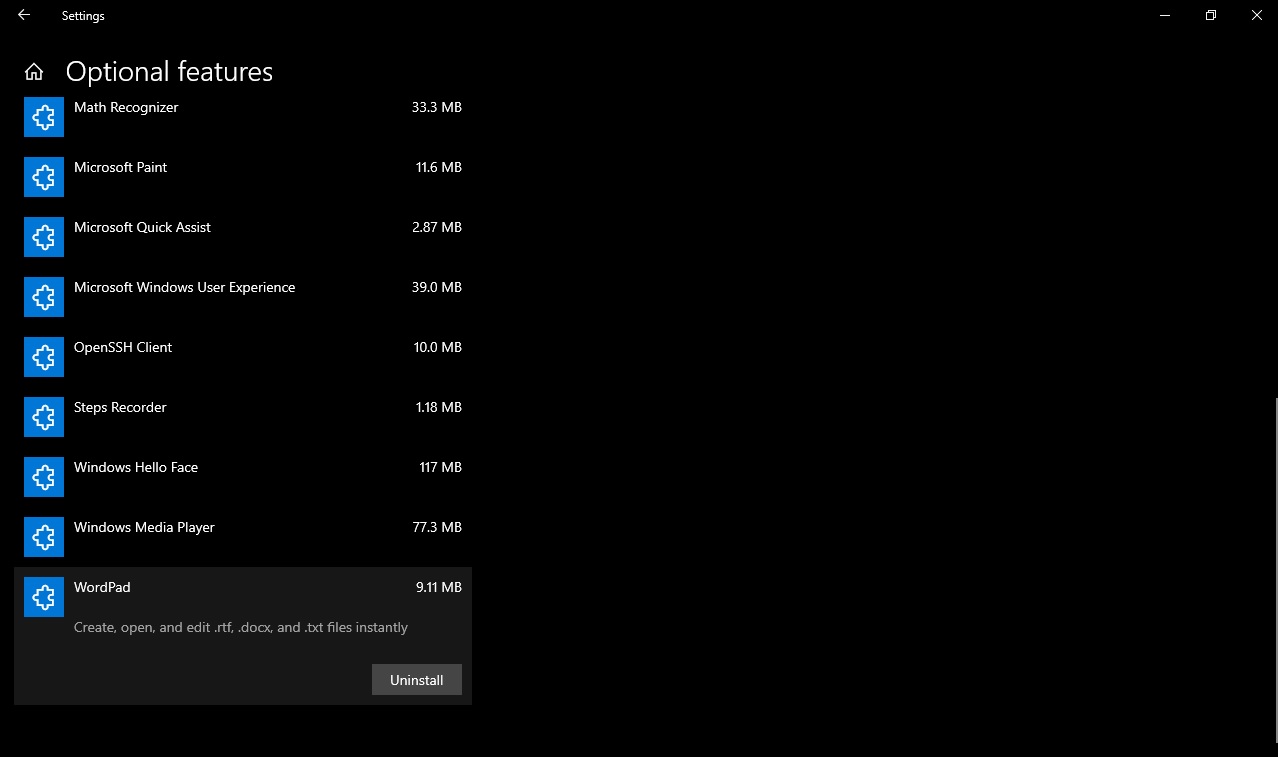
WoW64 could eventually follow a similar path, although restoring an entire compatibility subsystem would be considerably more complicated than recovering a text editor.
MS Cites Security as the Main Reason
MS is not making WoW64 optional solely because it is a legacy component or part of the broader Windows modernization effort. The company says removing it from the default Windows Server configuration will reduce security risks, particularly those associated with 32-bit malware.
MS also said that artificial intelligence has accelerated the discovery of software vulnerabilities. This was especially apparent in the October update, which addressed more than 1,000 security issues in Windows.
According to MS, AI tools are identifying vulnerabilities at an unprecedented rate, leading the Windows development team to devote substantial resources to developing and distributing security fixes. The company said the October Patch Tuesday release contained more security fixes than any previous Windows update.
Maintaining some older components is also becoming increasingly difficult. MS explained that certain features rely on legacy protocols and cannot be adequately secured without being completely rewritten. As a result, the company is removing some of these aging components.
The decision represents a major shift because backward compatibility has historically been one of Windows’ defining strengths. For example, a game such as Midtown Madness from the 1990s can still run alongside modern titles on the same Windows PC because MS has consistently prioritized compatibility with older software.

Windows Server has followed a similar philosophy, traditionally offering broad application compatibility while allowing administrators to choose which security restrictions to apply. Organizations that did not want employees or systems running 32-bit applications could block them, but WoW64 remained available by default. Windows Server 2028 reverses that arrangement.
MS said previous Windows Server releases were effectively delivered in a compatibility-oriented configuration, with application compatibility enabled and few restrictions imposed by default. Beginning with Server Core, the company plans to provide a more secure out-of-box configuration by applying established security baselines automatically.
MS is also removing SMB1 and VBScript from Windows Server, while legacy BIOS support is being considered for removal as well.
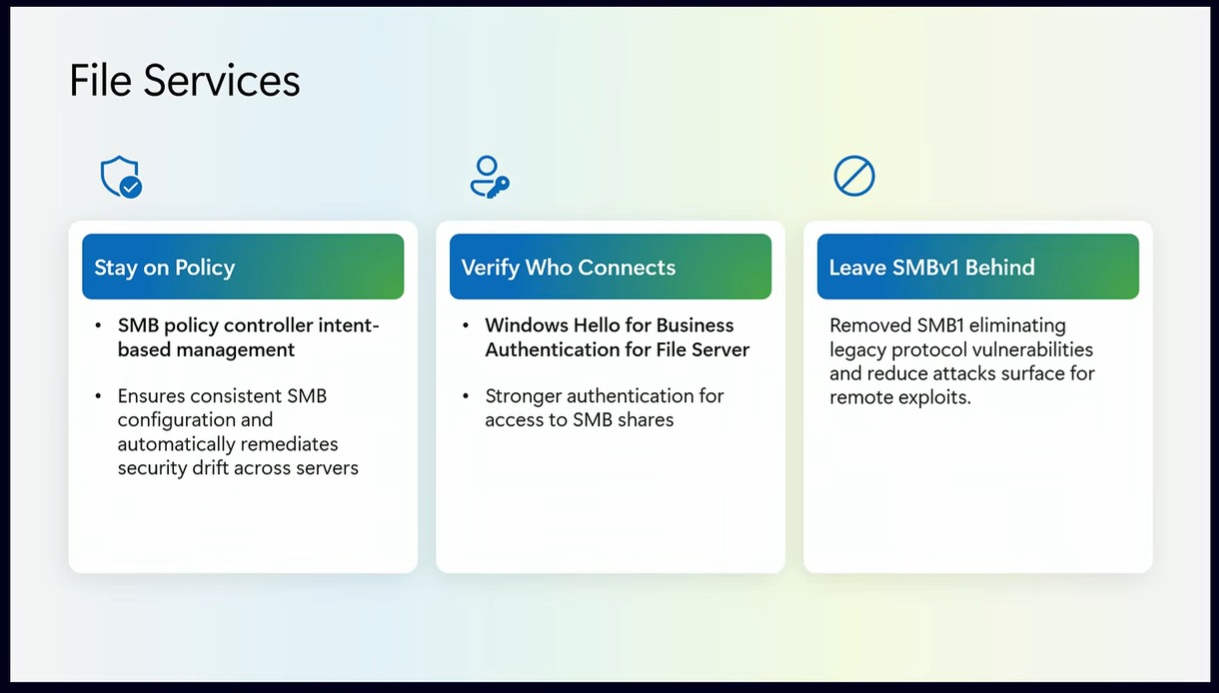
Christensen urged Windows Server administrators to adopt updates more aggressively and keep their systems current. MS is continuing to distribute security fixes and hardening improvements, but customers must remain on supported, up-to-date configurations to benefit from those protections.
Windows 11 Will Continue Supporting 32-Bit Applications for Now
Windows 11 is not currently losing support for 32-bit applications. Although the operating system is available only in a 64-bit edition, it still includes the WoW64 compatibility layer, and MS has not announced plans to remove it from Windows 11.
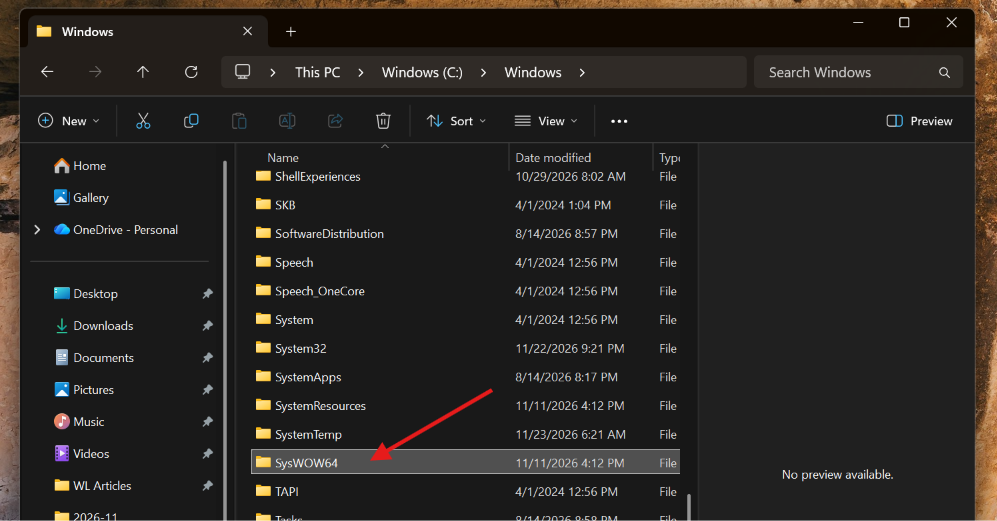
Windows Server and Windows 11 are designed for different purposes, but they share the same underlying code. Consequently, MS could eventually make WoW64 optional in Windows 11 as well. If the company follows the Windows Server model, users would likely retain the ability to reinstall it as a Feature on Demand.
How to Identify 32-Bit Applications
Windows 11 users can identify 32-bit applications through Task Manager. Open Task Manager, select the Details tab, and check the Platform column to see whether a process is running as a 32-bit or 64-bit application.
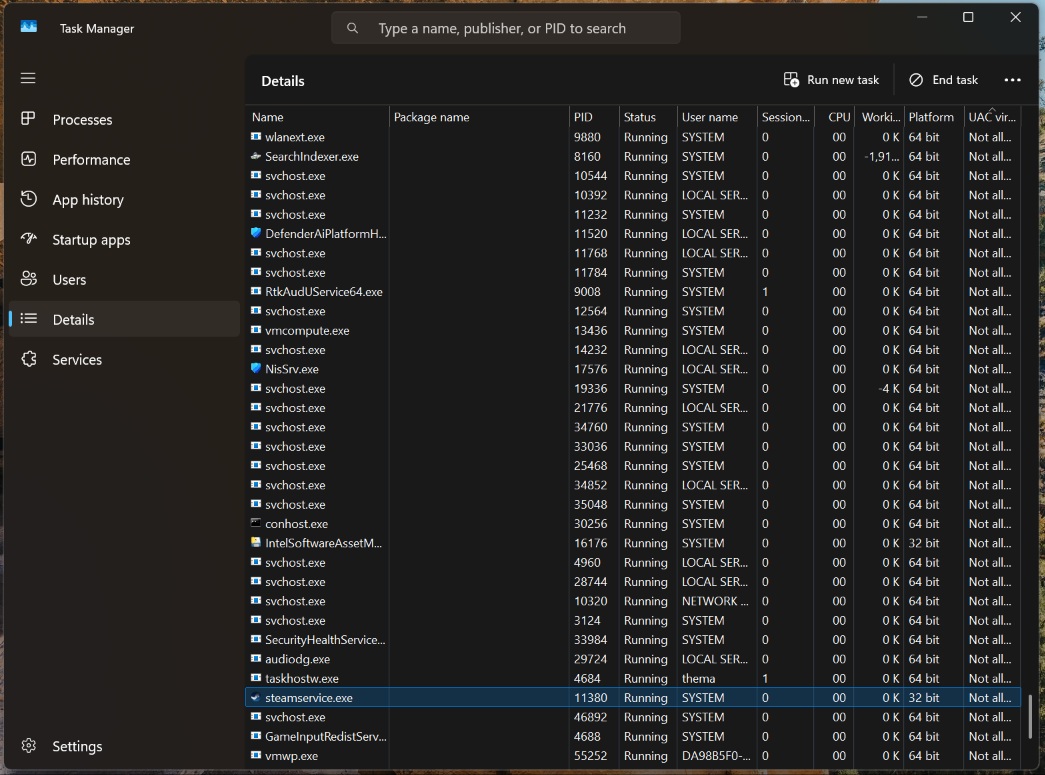
SteamService.exe is one example of a widely used process that continues to use 32-bit technology for backward compatibility.