Windows 11 Removes Its Built-In Local PC-to-PC Migration Tool
Windows 11’s PC-to-PC Migration feature, which transferred files and settings from an old computer to a new one over a local network, is no longer available. MS removed it through the September optional update, and the change reached regular Windows 11 devices with the October 13 Patch Tuesday update, KB5127648.
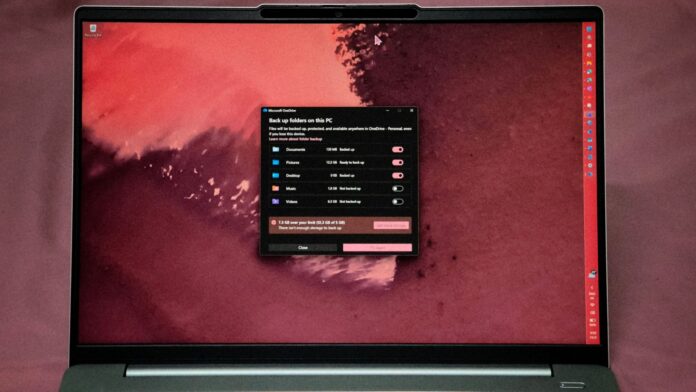
MS now directs users to Windows Backup, which synchronizes supported folders with OneDrive and restores them through a MS account. For anyone transferring more than OneDrive’s free 5GB allowance—or unwilling to store personal files in the cloud—Windows no longer provides a guided local alternative.
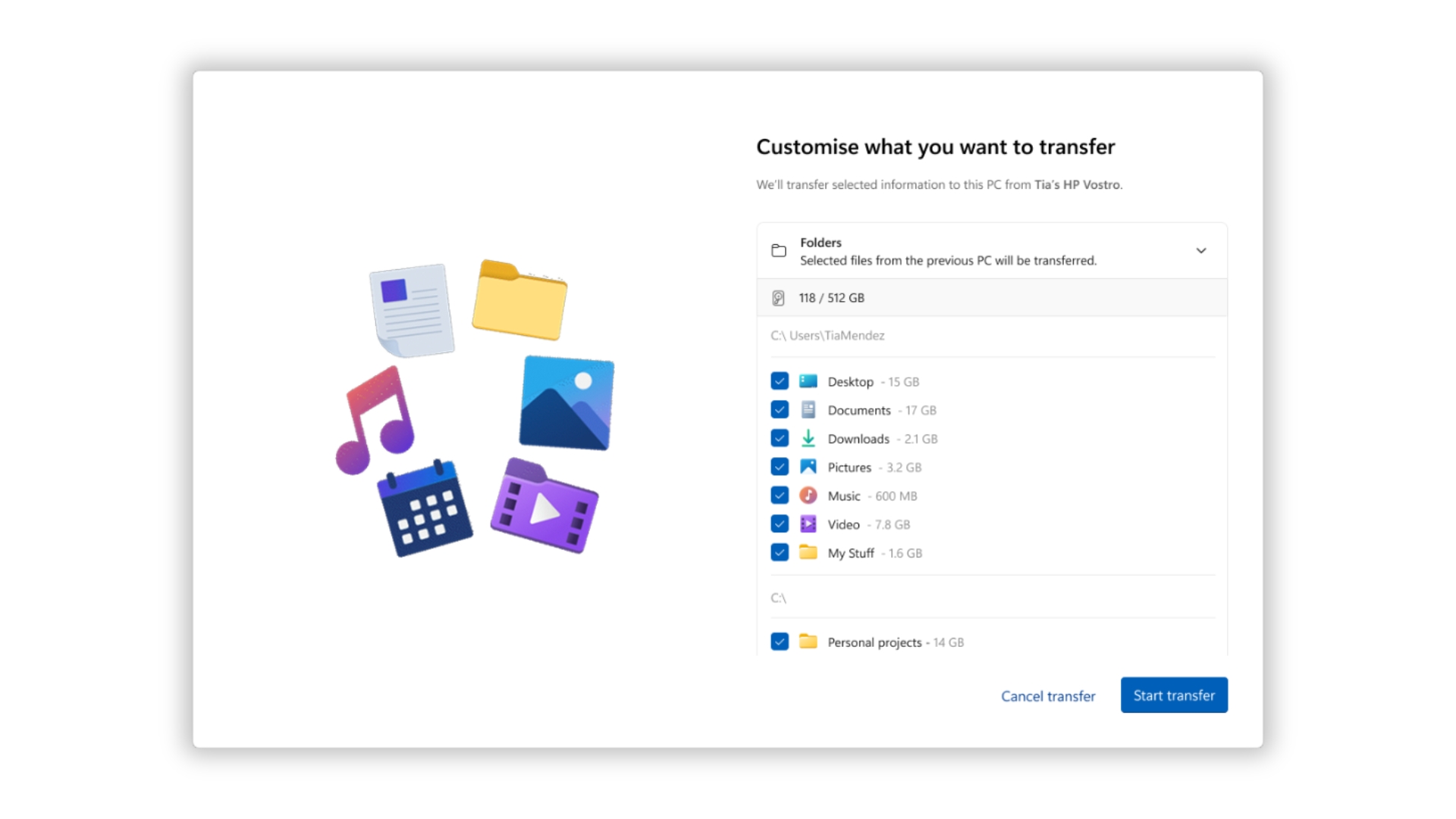
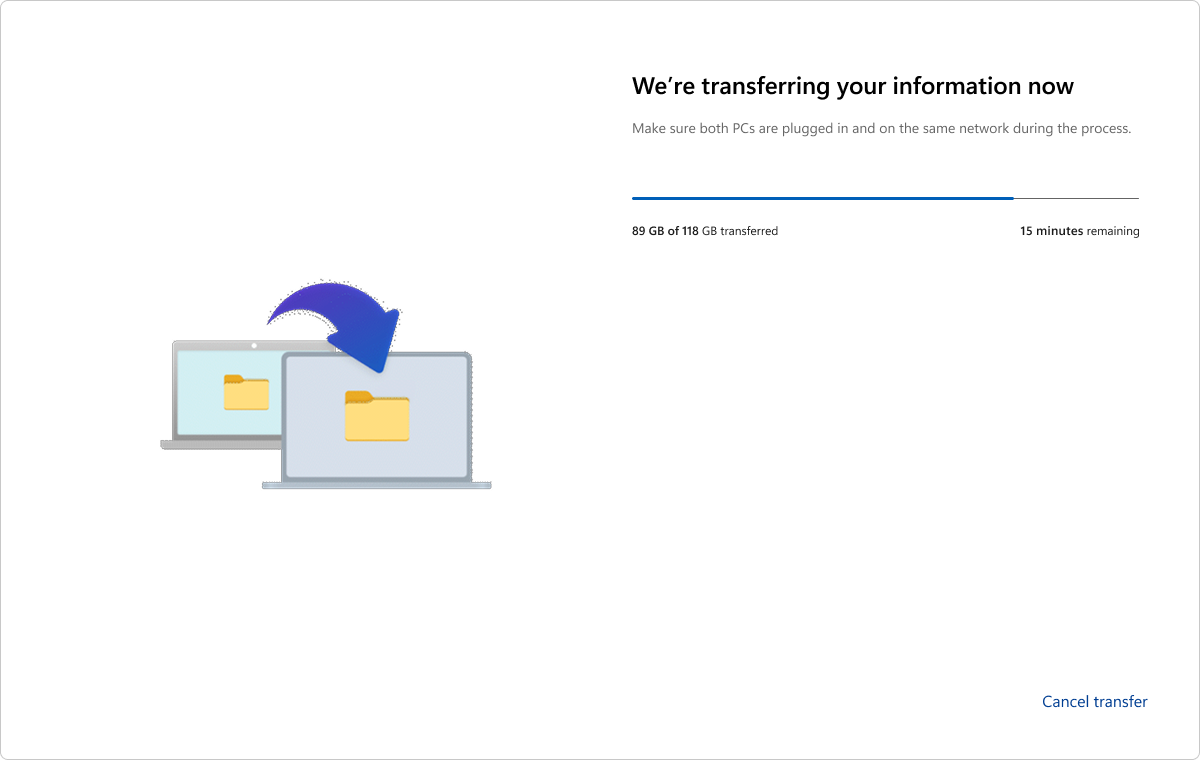
Notably, MS’s own screenshots showed the discontinued migration tool transferring 118GB of files in a single session.
MS Confirms the Removal and Recommends Windows Backup
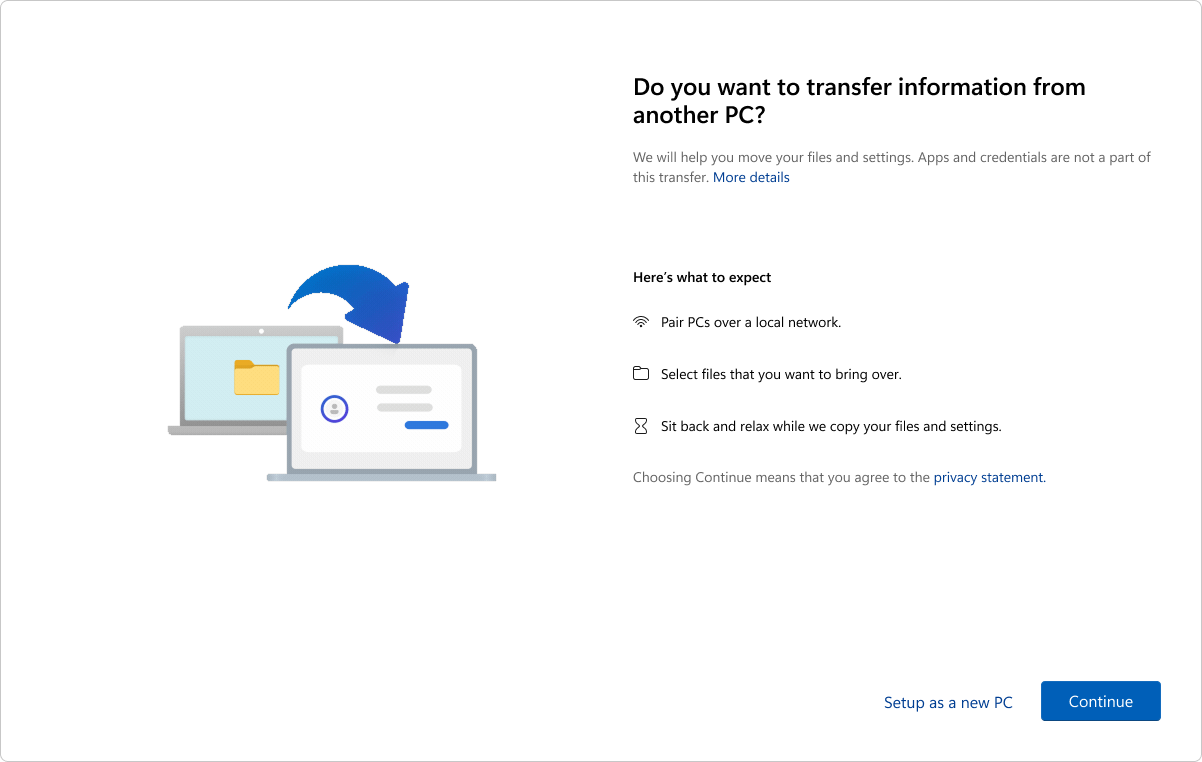
In the KB5124010 release notes, MS confirmed that PC-to-PC Migration is no longer available. The feature had been introduced through a phased rollout and previously allowed users to transfer files and settings directly from an existing PC while setting up a new Windows computer.
MS recommends using Windows Backup to back up and restore files, settings, and other supported content when moving to a new PC. Because the October 2026 Patch Tuesday update, KB5127648, includes the September preview changes, the migration tool has also disappeared from standard Windows 11 installations, although MS classifies the change as a gradual rollout.
The PC-to-PC transfer support page now states that the feature is unavailable and instructs users to use Windows Backup and Restore instead.
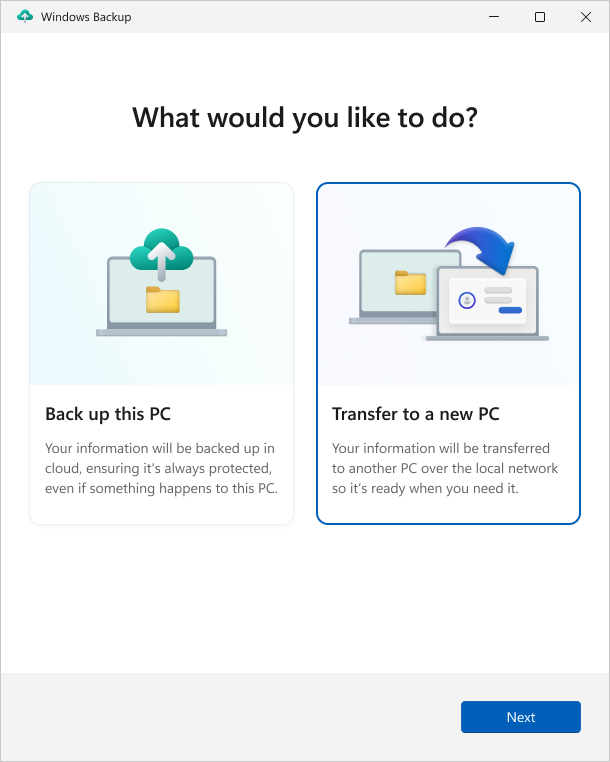
MS has not explained why it discontinued the feature. With the local option removed, Windows Backup and OneDrive provide the only guided migration process built into Windows 11. Files can still be copied manually through a USB drive, external disk, or network share, but Windows no longer guides users through those methods.
Why Windows Backup Cannot Fully Replace Local PC-to-PC Transfers
PC-to-PC Migration operated during the setup of a new computer. Users paired the two devices by selecting the old PC’s name and entering a one-time code, chose the folders they wanted to move, and transferred the data over Wi-Fi or Ethernet.
The source computer could run Windows 10 or Windows 11, while the destination device required Windows 11, version 2024 or later.
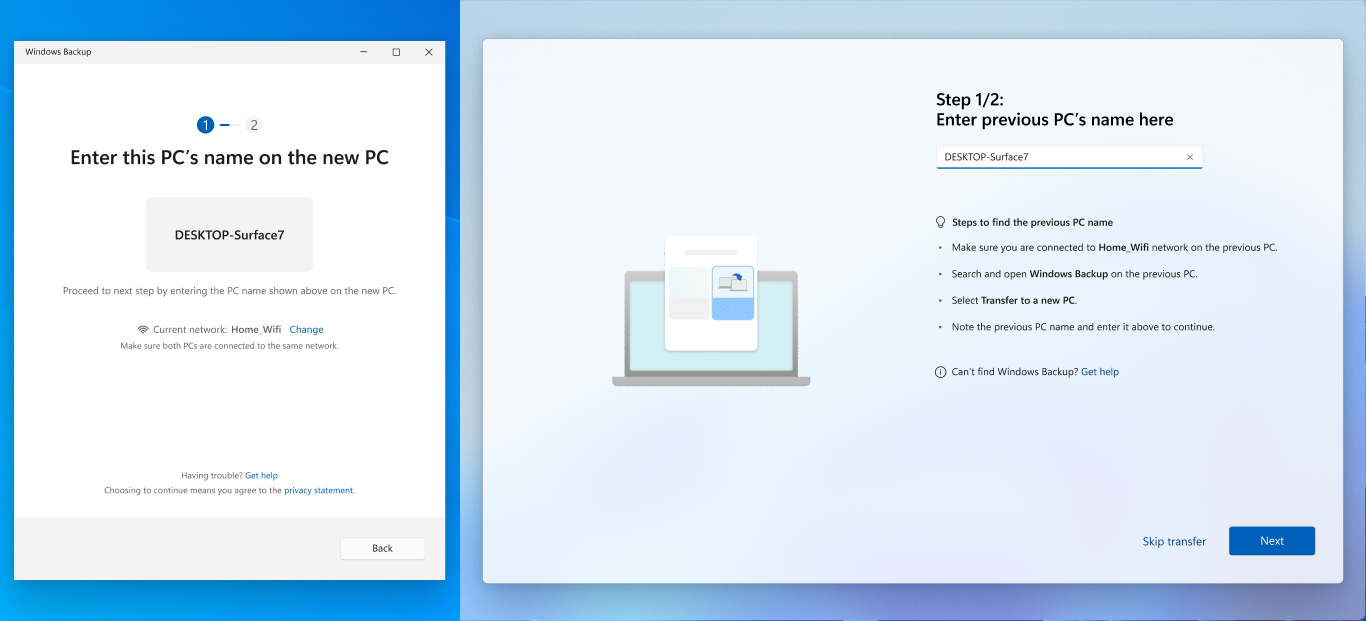
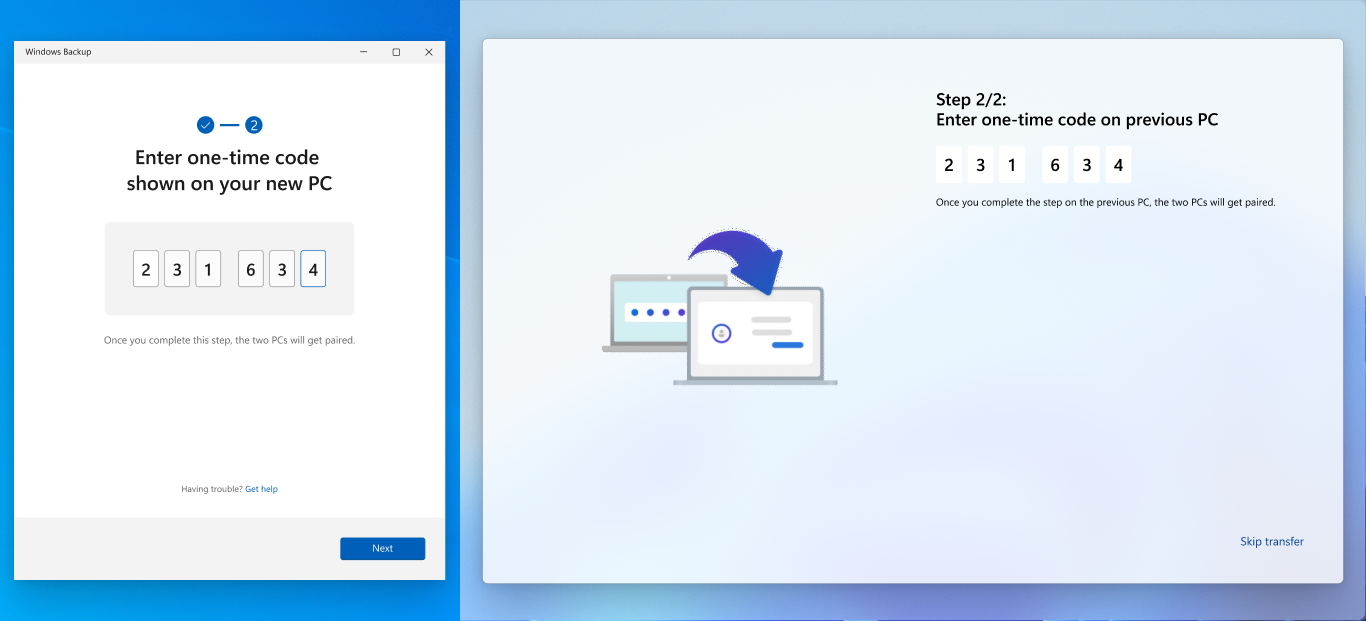
Limitations of PC-to-PC Migration
The local migration tool was not comprehensive. According to MS, it did not transfer:
Installed applications
Saved passwords and sign-in credentials
Files already stored in OneDrive
BitLocker-encrypted drives
System folders such as Program Files
However, it could move files stored across different folders and drives, including Downloads and custom folders outside the user profile. Continued development could potentially have expanded its capabilities and addressed some of its limitations.
Limitations of Windows Backup
Windows Backup requires a personal MS account; work and school accounts are not supported. It synchronizes Desktop, Documents, Pictures, Videos, and Music with OneDrive.
A free MS account includes only 5GB of OneDrive storage. Users whose files exceed that limit must purchase additional cloud storage, even though the discontinued local migration option could transfer much larger volumes of data without a subscription.
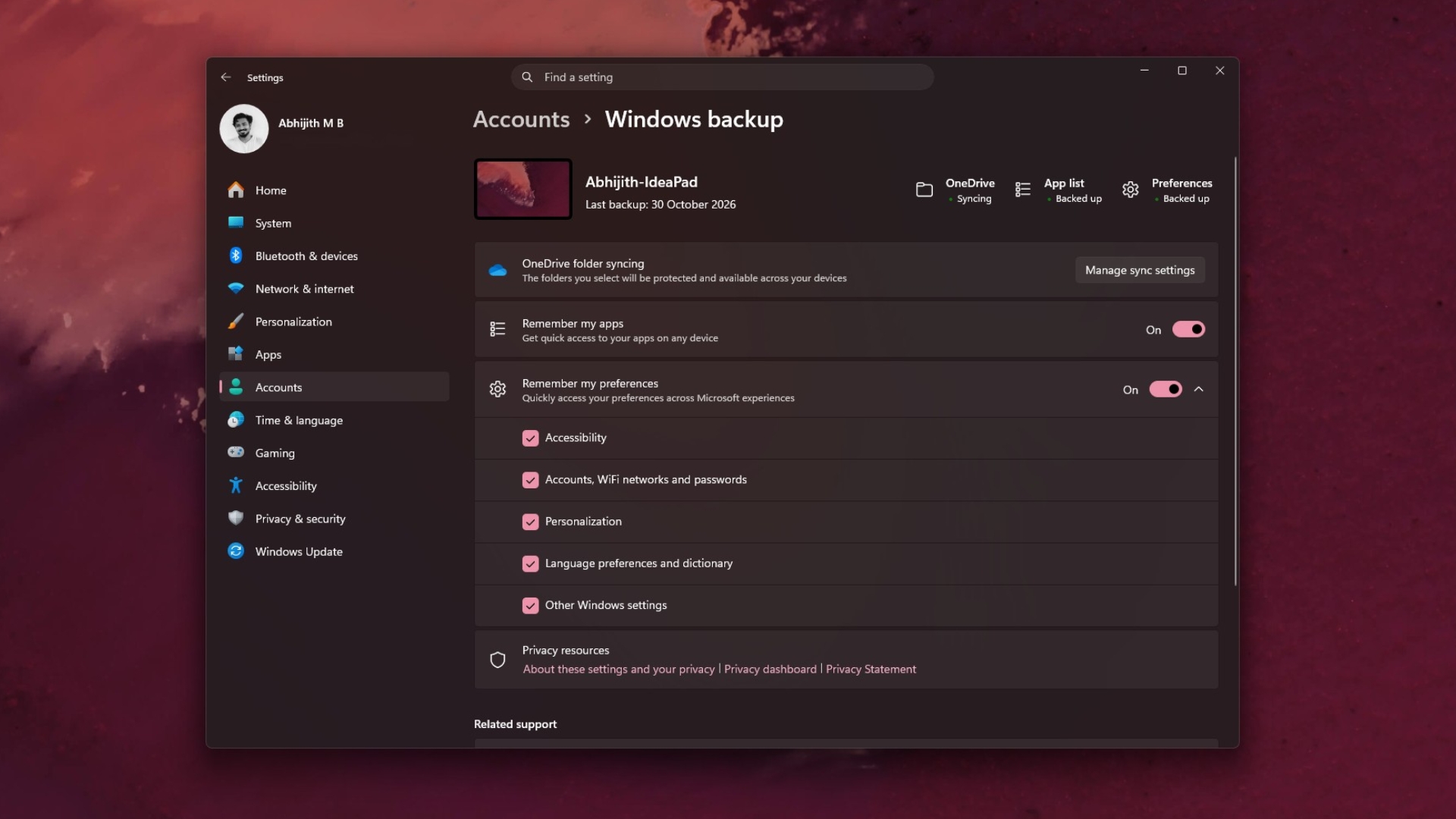

Windows Backup does preserve some information that the local transfer tool did not, including installed app records, Wi-Fi networks, and passwords. This information can be restored on another PC, although applications must still be reinstalled through their restored pins.
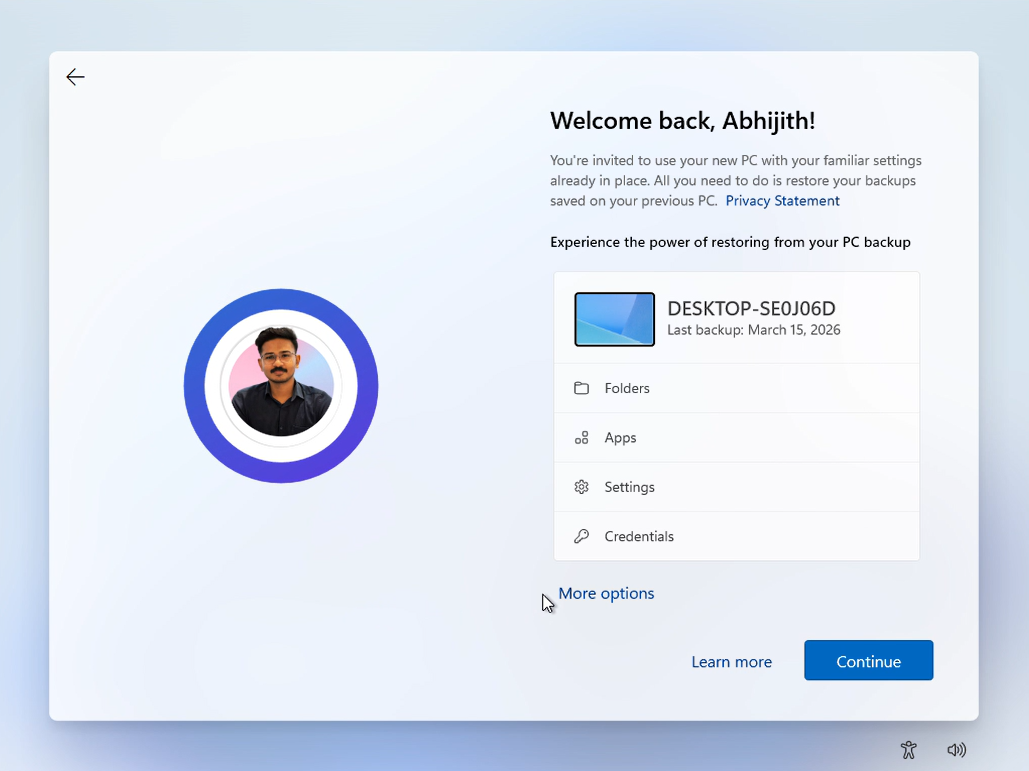
PC-to-PC Migration and Windows Backup Compared
PC-to-PC Migration: Moved large quantities of files directly between two computers over Wi-Fi or Ethernet without requiring cloud storage.
Windows Backup: Stores supported folders and settings in OneDrive, requires a personal MS account, and is constrained by the user’s available cloud-storage capacity.
In practical terms, Windows Backup functions as a cloud backup service, while PC-to-PC Migration acted more like a direct moving service. Replacing the latter with the former means users may need to purchase storage before transferring a large collection of files.
A Modern Successor to Windows Easy Transfer Lasted Just Over a Year
PC-to-PC Migration served as a spiritual successor to Windows Easy Transfer, the migration utility associated with Windows 7. Windows 11 was first seen testing the newer feature in May 2025, and MS confirmed its phased rollout in a June 2025 Windows Insider announcement.
By July 2025, MS had published a complete support document explaining how the feature worked. Just over a year later, it was removed—first from Release Preview builds on September 10, then through the September optional update and October’s Patch Tuesday release.
MS invested significant engineering effort in developing and documenting a solution to one of the longest-standing frustrations involved in setting up a new Windows PC, yet discontinued it without providing a public explanation.
Windows Backup remains useful for people who already rely on OneDrive, but its availability did not require the removal of the local transfer option. Without PC-to-PC Migration, users who prefer not to use cloud storage must now manage their next Windows PC migration manually.