MS Plans to Modernize Windows 11’s Optimize Drives Tool

Windows 11’s Optimize Drives tool, which defragments hard drives and trims SSDs, is on MS’s modernization list, according to March Rogers, Partner Director of Design at MS. The confirmation came after a user on X asked the company to rebuild the tool with WinUI 3 or integrate it into the Settings app.
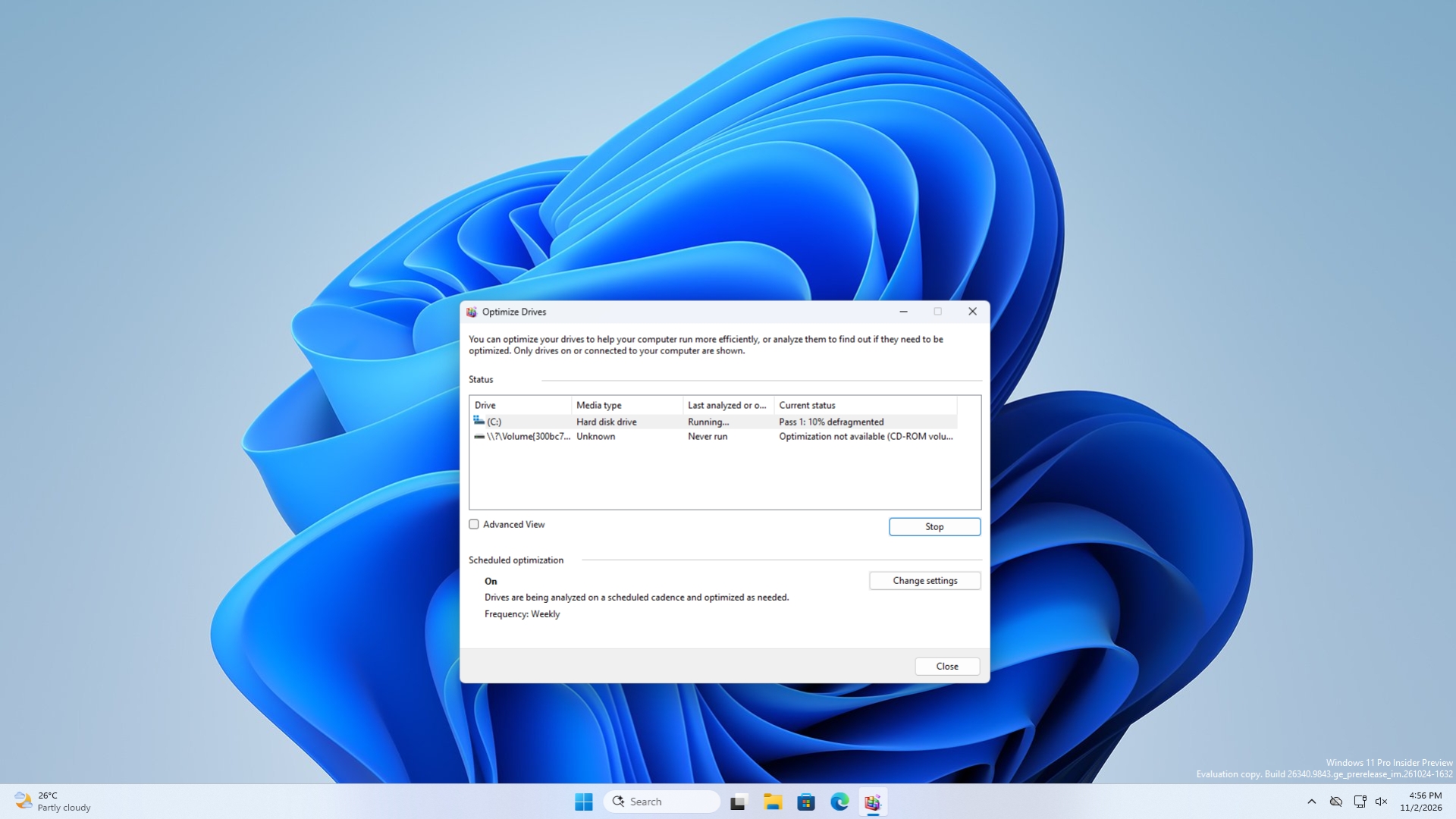
MS has not disclosed what the redesigned experience will look like or when it might arrive. Optimize Drives has changed very little since Windows 8, although it continues to maintain supported drives automatically each week.
Optimize Drives Is Officially on MS’s Modernization List
On October 15, Diego Baca, MS’s Vice President of Design for Windows, highlighted the company’s latest Windows 11 improvements and said, “We continue to deliver on our commitment to quality, craftsmanship, and polish.”
A user responded by asking when WinUI 3 would be introduced for Optimize Drives, adding that incorporating the feature into the Settings app would be preferable. The following day, Rogers replied, “Hi Leandro – Optimize Drives is on our list!”

That brief response is the full extent of MS’s confirmation. Rogers did not specify whether the tool will receive a WinUI 3 redesign, move into Settings, or follow another approach. No development or release timeline was provided.
Optimize Drives Remains Useful for Both HDDs and SSDs
Optimize Drives began as Disk Defragmenter in Windows 95 and adopted its current name with Windows 8. Although the interface now appears dated, its maintenance functions remain relevant on modern Windows 11 PCs.
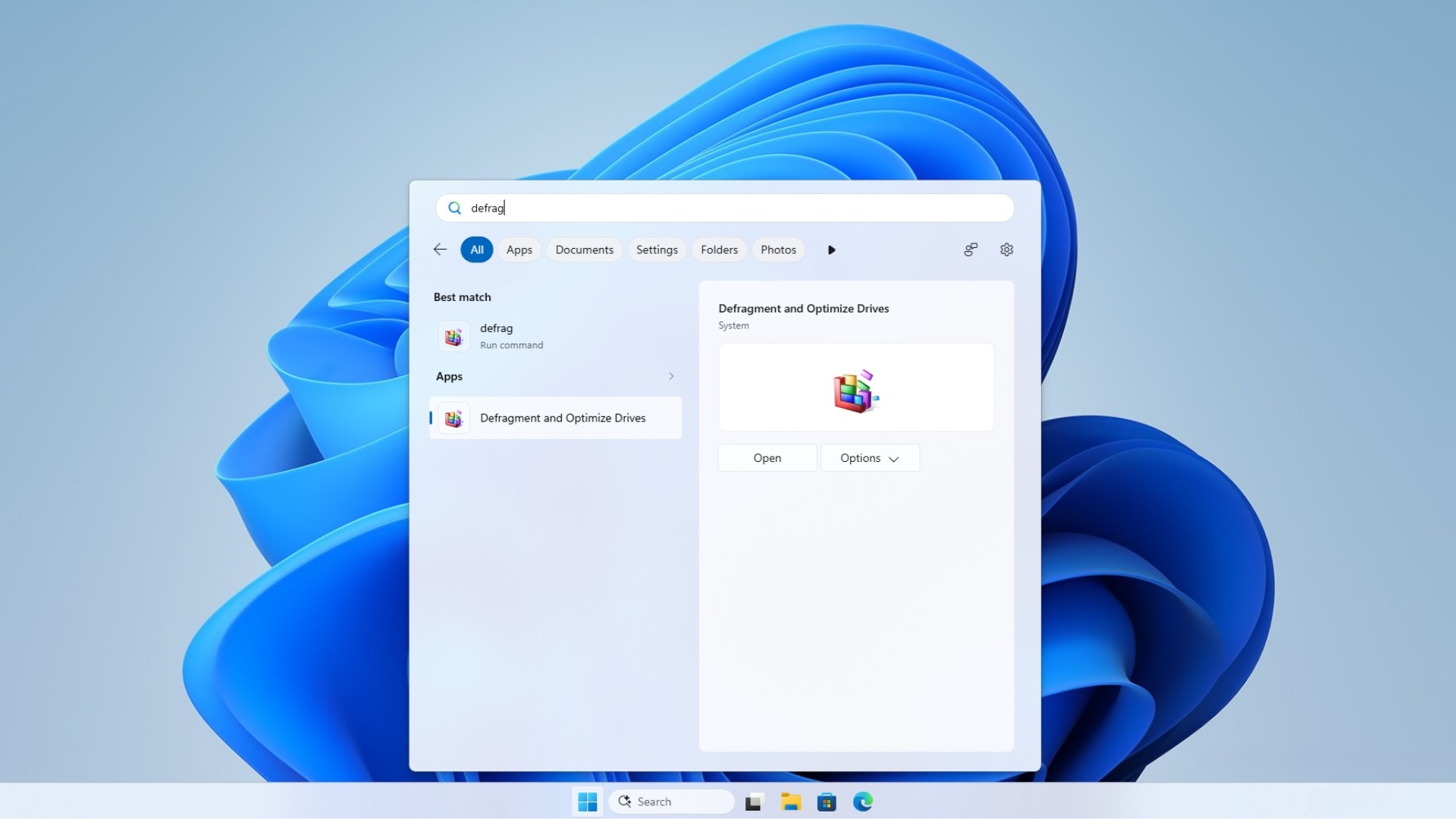
The utility can be opened by searching for “defrag” and selecting Defragment and Optimize Drives. According to MS’s support documentation, hard drives are defragmented by reorganizing files so that their data is arranged more efficiently. SSDs are trimmed, which tells the drive where it can safely perform cleanup work when it is not busy.
MS’s Optimize-Volume documentation outlines the default behavior for different storage types:
- Hard disk drives are analyzed and defragmented.
- SSDs with TRIM support receive a retrim operation.
- Tiered Storage Spaces receive tier optimization.
Windows automatically optimizes drives once a week by default, so most users rarely need to run the utility manually.
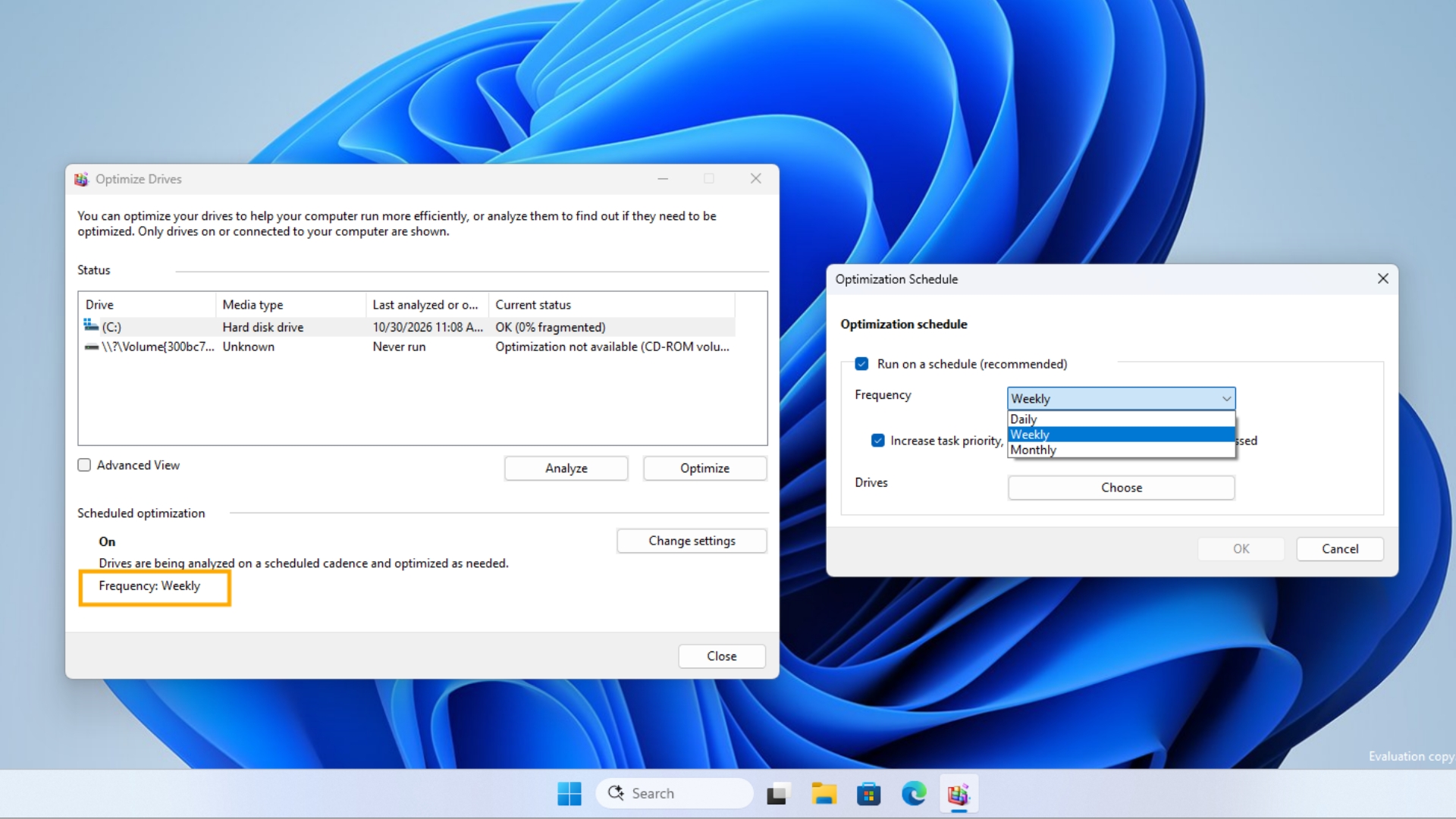
The tool continues to function effectively, but its visual design resembles an interface from an older version of Windows. Despite its age, it remains a straightforward native utility rather than a WebView2-based component such as Widgets.
Optimize Drives Joins a Growing Modernization Queue
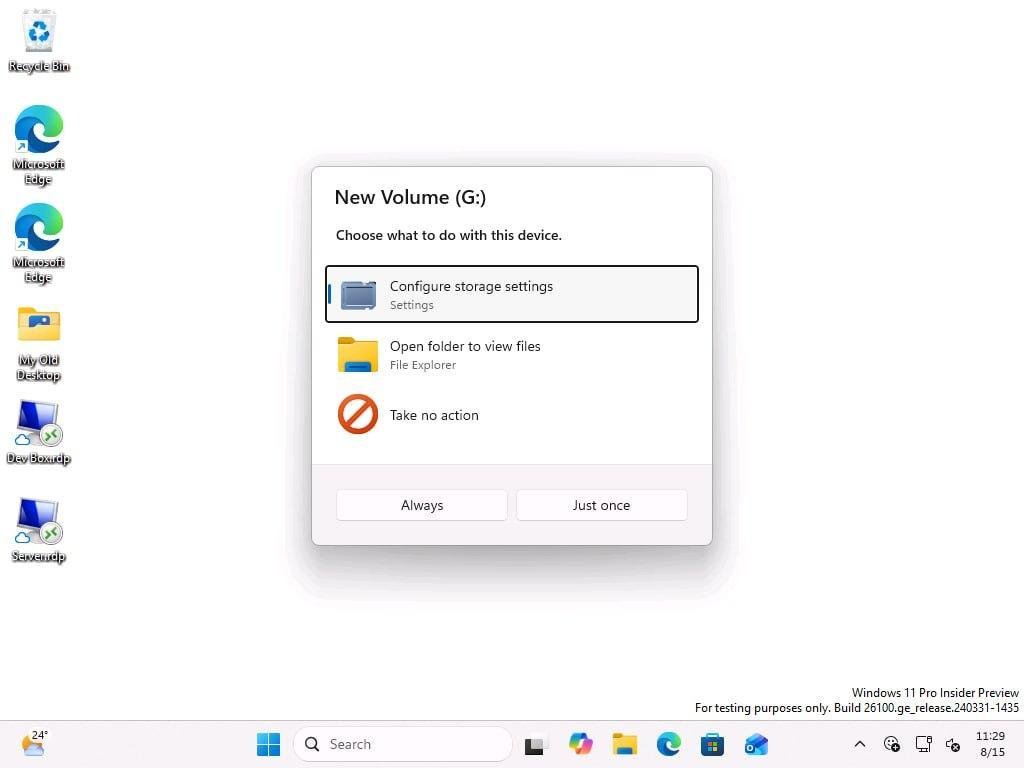
MS has been gradually rebuilding older parts of Windows 11 with WinUI 3. The Properties dialog is being updated with dark mode, while a redesigned AutoPlay interface has already appeared in preview builds. In July, Windows President Pavan Davuluri said, “We’ve strengthened the fundamentals of WinUI 3 and extended it into more of the Windows shell.” WinUI is also receiving basic capabilities that had been missing for years.
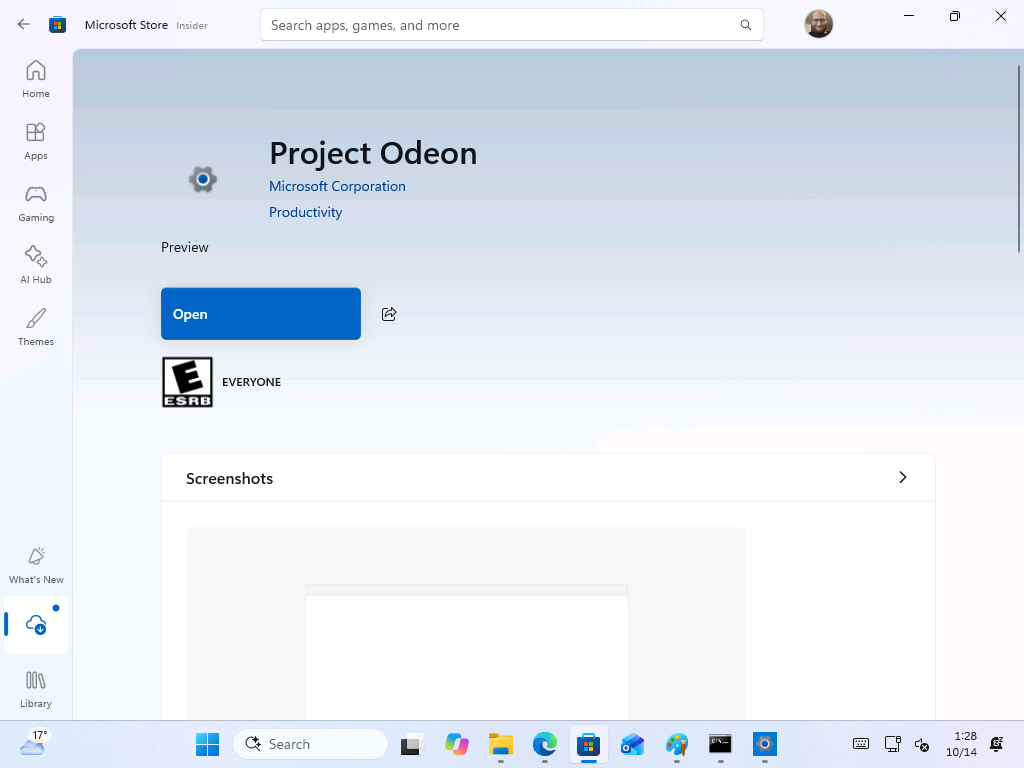
MS is also continuing its long-term effort to migrate legacy Control Panel features into the modern Settings experience. Rogers previously explained that the process must be handled carefully because MS needs to avoid compatibility problems across the many network devices, printers, and drivers supported by Windows. The company is additionally testing a Settings-like MS Store application under the codename Project Odeon.
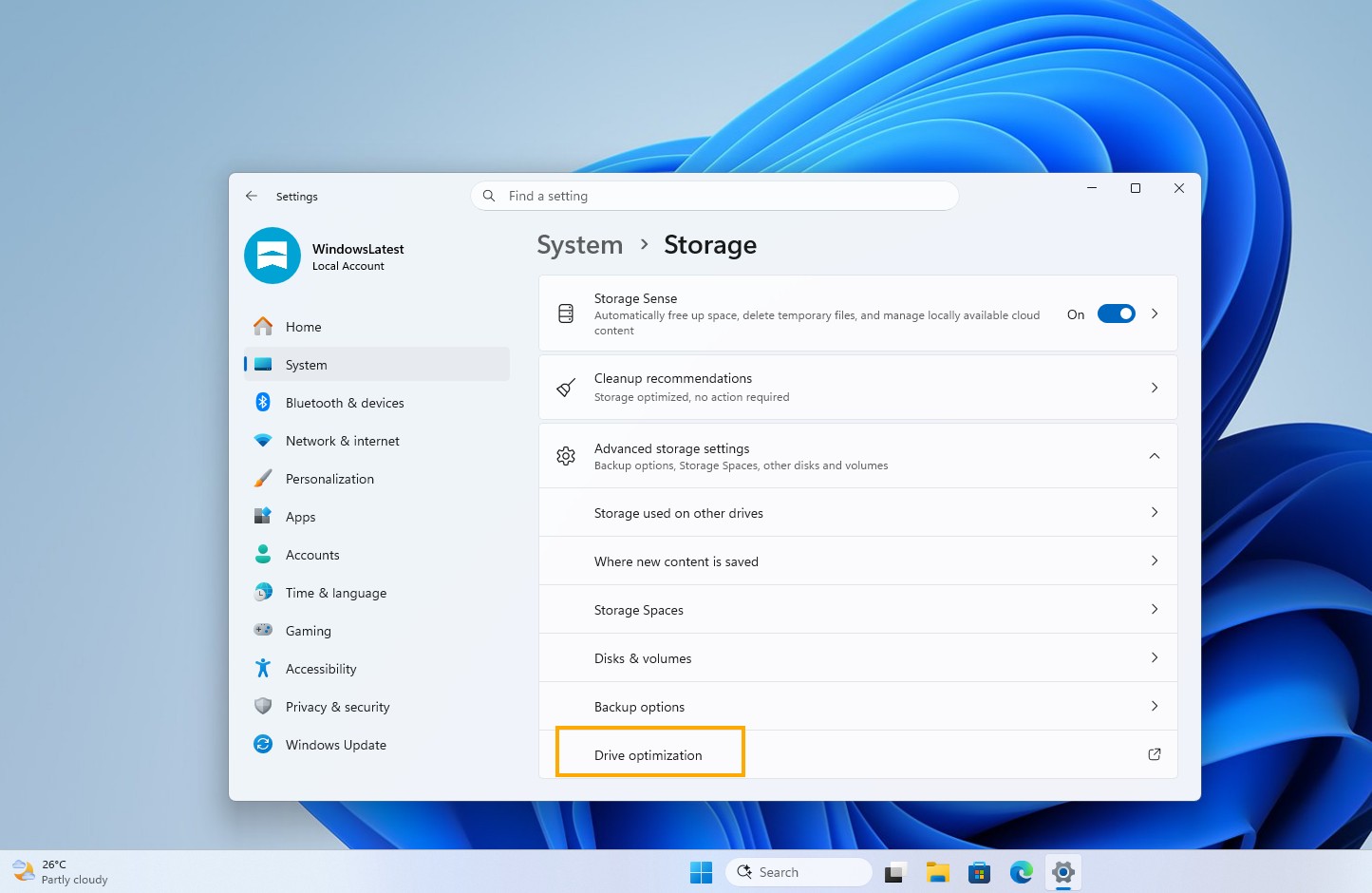
Windows 11 already includes a Drive optimization link under System > Storage > Advanced storage settings. Although MS recently improved the performance of this Settings page, the link still opens the legacy Optimize Drives window.
Integrating the controls directly into Settings could provide a more consistent experience than creating another standalone application. However, retaining quick access through a search for “defrag” would preserve the convenience of opening the utility and initiating optimization manually.
Regardless of whether MS chooses WinUI 3 or a full Settings integration, modernizing Optimize Drives would support the company’s broader effort to make Windows 11 more visually and functionally consistent.