Windows 11 Lets You Enter a PIN While Windows Hello Is Still Scanning
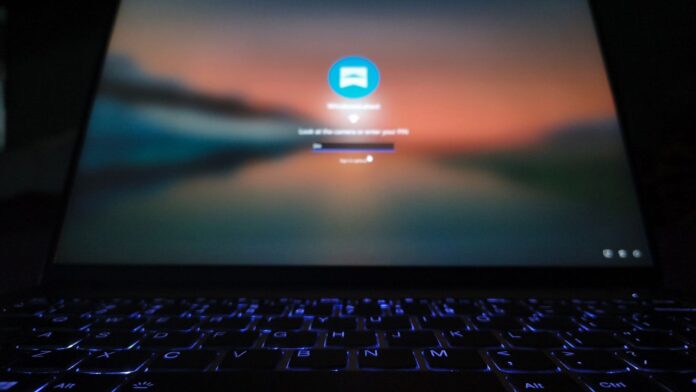
MS is testing a small but highly practical improvement to the Windows 11 sign-in screen. Users can now enter their PIN while Windows Hello is still attempting to recognize their face or fingerprint. The feature is included in Windows 11 Insider Experimental Build 26340.9882, released on November 6, and was tested on a Lenovo laptop equipped with an infrared camera.
Previously, Windows Hello required users to wait for biometric recognition to succeed or fail. The alternative was to select Sign-in options manually and then choose the PIN method. This added unnecessary steps when using a PC in a dimly lit room, when a fingerprint reader could not detect wet fingers, or when another authorized person needed to sign in with the PIN.
PIN Entry No Longer Requires Waiting for Windows Hello
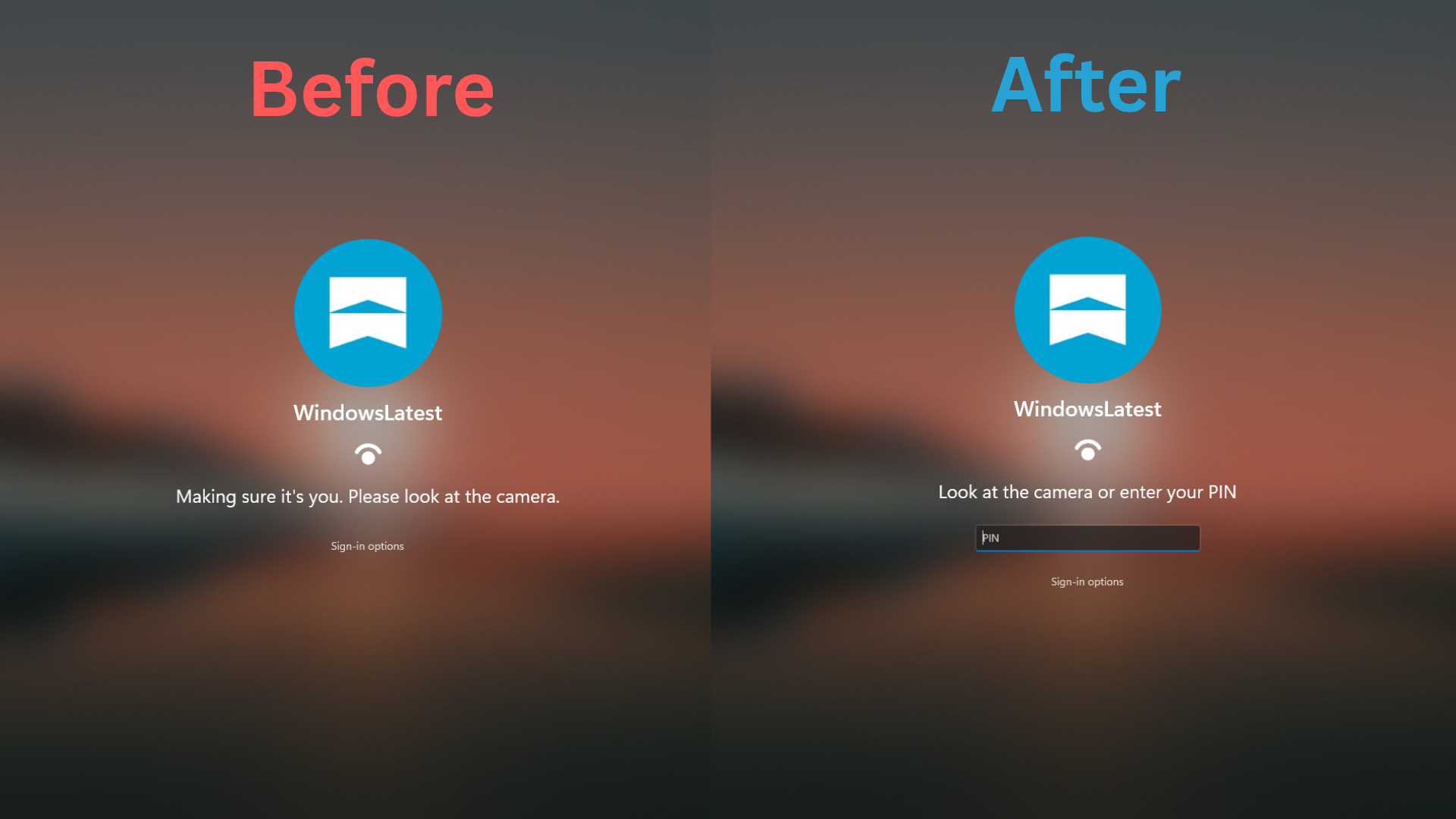
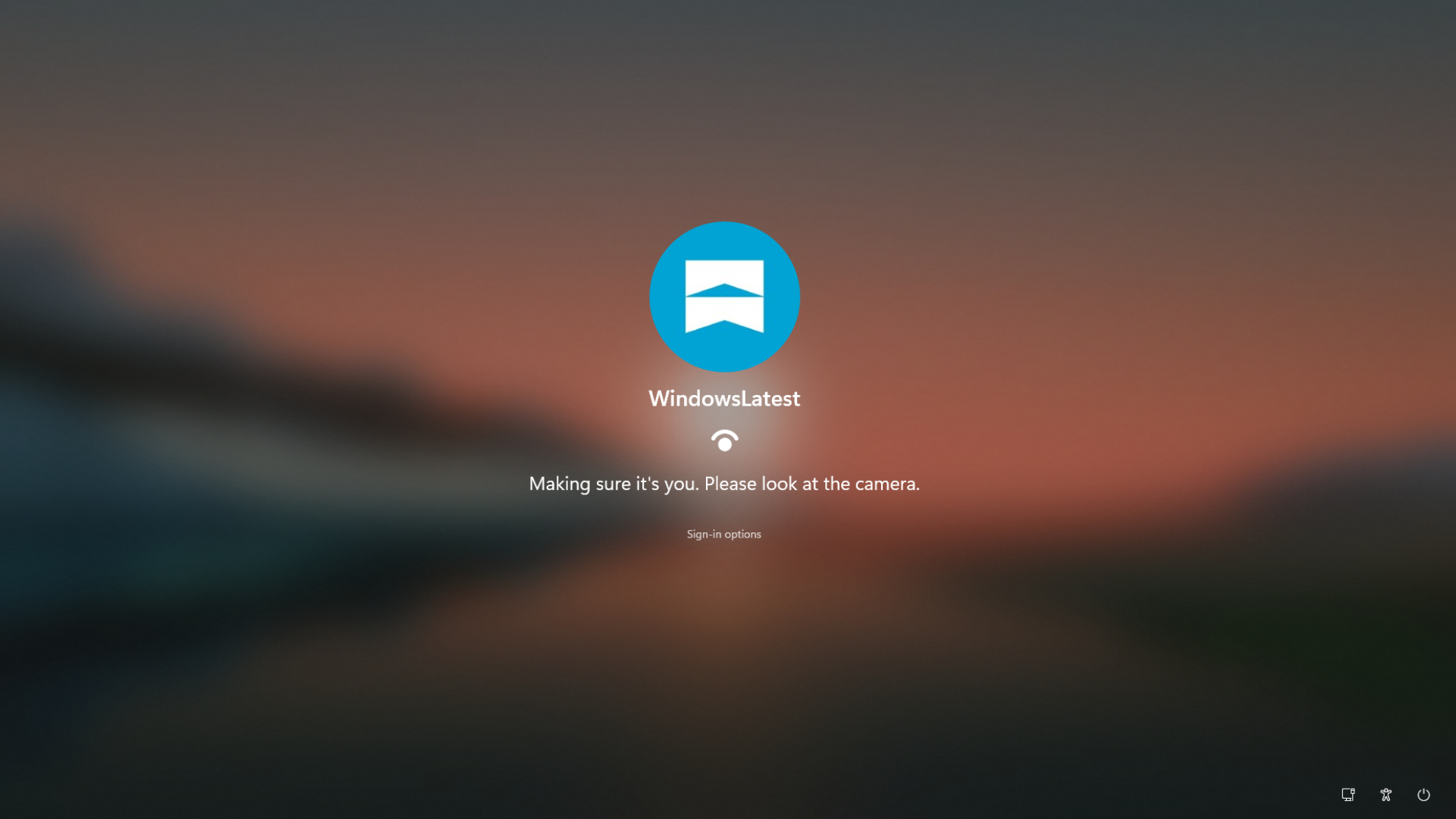
Before this update, a laptop in a dark room could display the message, “Making sure it’s you. Please look at the camera.” Face recognition typically worked immediately under sufficient lighting, but when Windows Hello could not identify the user, it eventually switched to the “Enter your PIN” prompt.
Users who already knew that the RGB camera would not recognize their face in low light still had to open Sign-in options and select the PIN icon manually.
After Build 26340.9882 is installed, the lock screen instead says, “Look at the camera or enter your PIN.” The PIN field remains available while the camera continues scanning. MS describes this behavior as allowing users to choose whichever authentication method works first, making it possible to begin typing a PIN immediately.
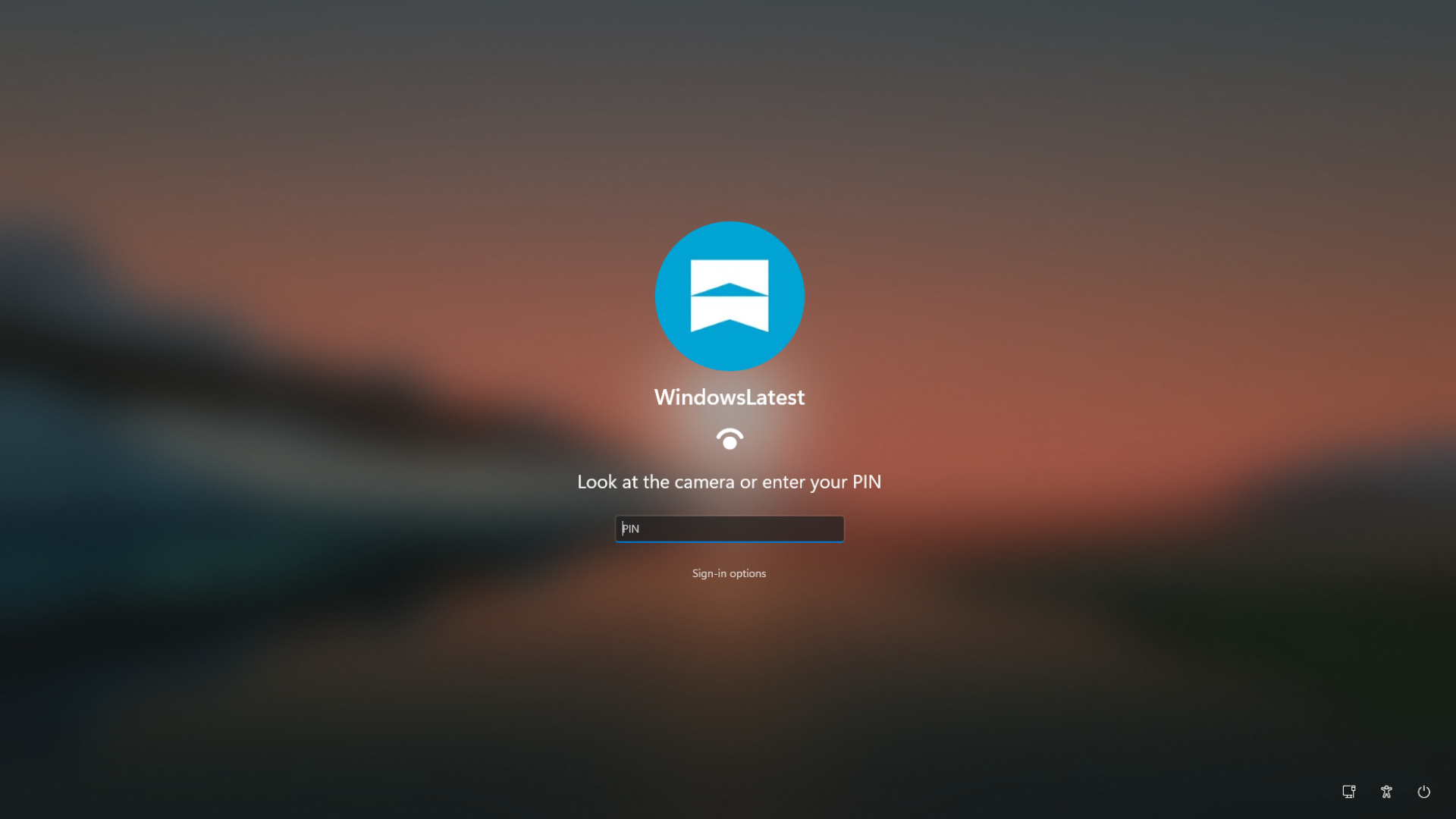
The redesigned sign-in experience appeared immediately after the build was installed, without requiring ViVeTool or registry modifications.
Restart Security Requirements Remain Unchanged
MS has not removed existing security protections. After a device restarts, Windows still displays the message, “Your PIN is required after a device restart.” Face and fingerprint authentication continue to operate normally after the initial PIN-based sign-in.
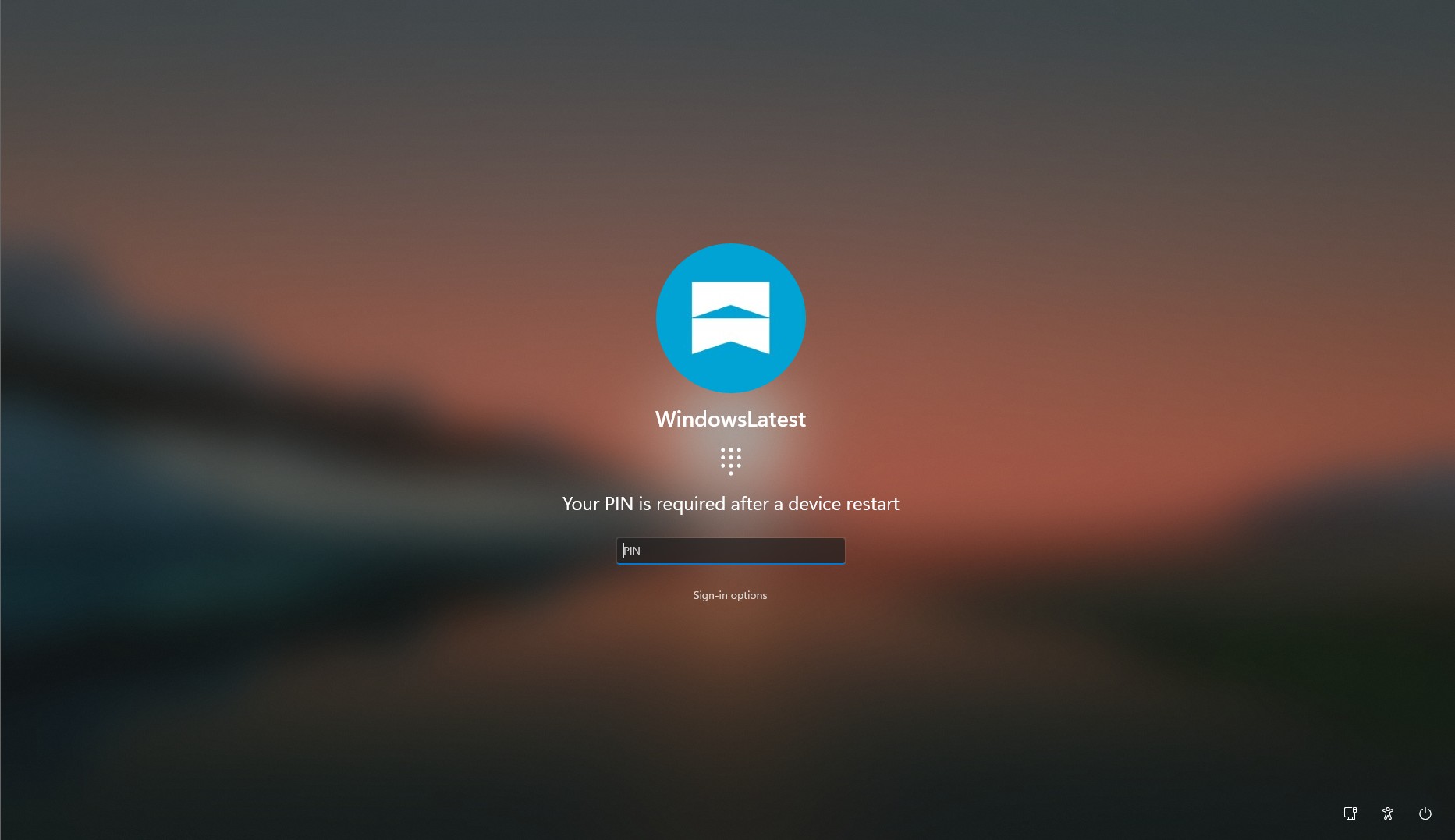
Face Recognition Can Be Retried More Quickly
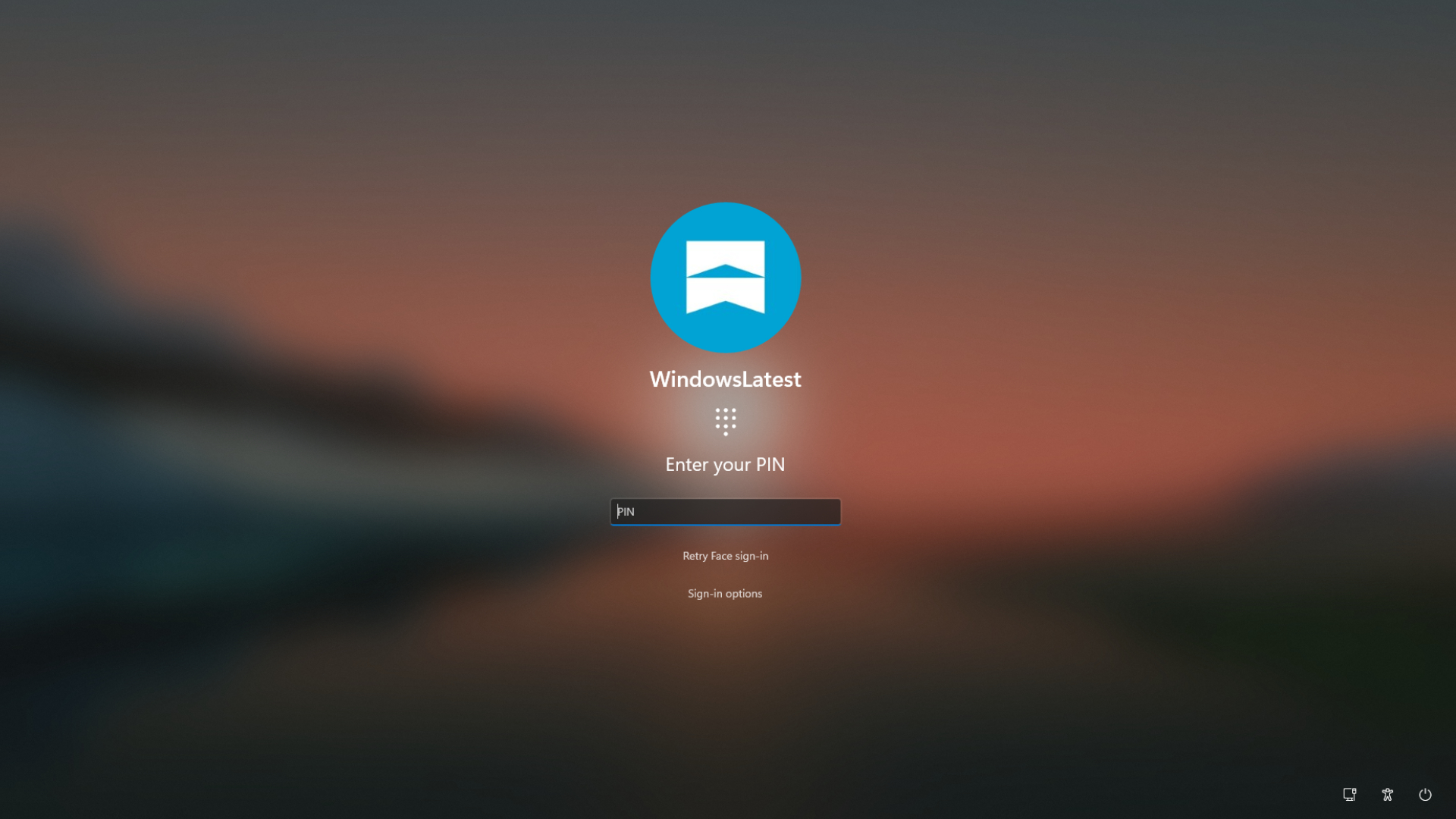
When Windows Hello previously failed to recognize a user, trying face authentication again required opening Sign-in options. Following the update, Windows displays a direct “Retry face sign-in” option, eliminating two additional clicks.
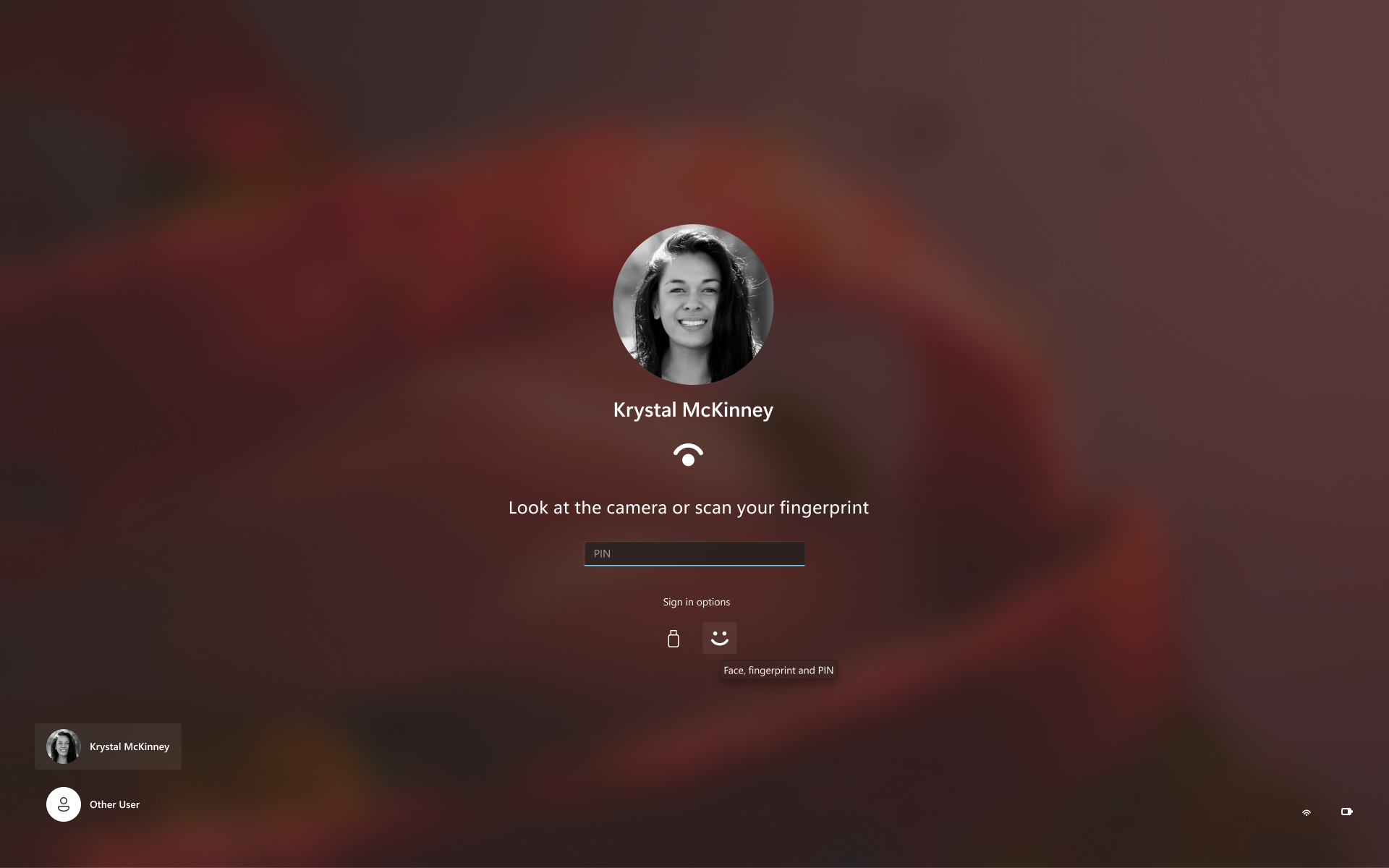
On PCs equipped with both an infrared camera and a fingerprint reader, MS’s example shows the prompt, “Look at the camera or scan your fingerprint,” with the PIN field positioned directly below it.
How to Test the New Sign-In Experience
Open Settings > Windows Update > Windows Insider Program.
Link a MS account to the Insider Program.
Select the Experimental channel.
Check for updates and install Build 26340.9882 if it is available.
Build 26340.9882 is based on Windows 11 26H2. Because MS is introducing the feature gradually, it may not appear immediately on every eligible PC.
Experimental builds can contain significant bugs. In this release, for example, Task Manager does not update the displayed CPU speed correctly. Testing the build in a virtual machine or backing up important files beforehand is therefore recommended.
Windows Hello Face Recognition Is Improving in Low Light
Windows Hello face recognition became less effective in dark environments following a deliberate security change. With the April 2025 KB5055523 update, MS began requiring the color camera to detect a visible face. This caused Windows Hello problems on many PCs with privacy shutters, including an HP Spectre used during testing.
MS’s proposed solution uses light from the display. Experimental Build 26340.9750, released on October 16, introduced an “Automatically adjust screen brightness during face recognition” setting under Settings > Accounts > Sign-in options > Facial recognition (Windows Hello).
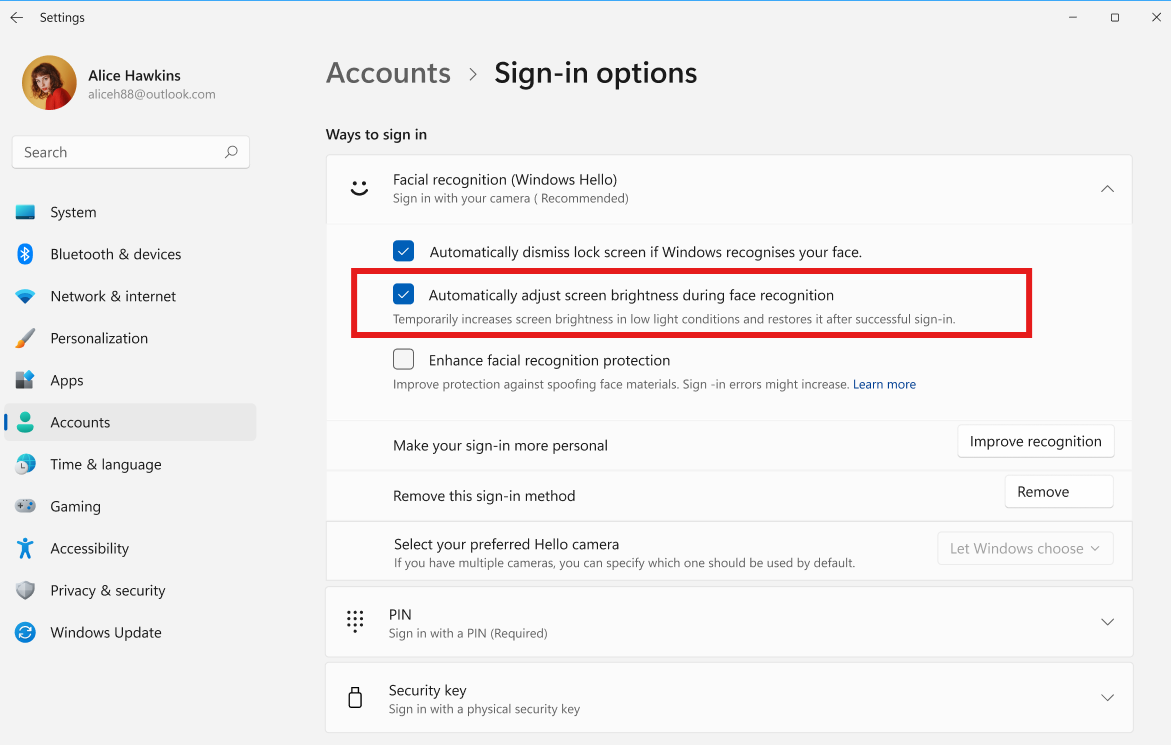
According to MS’s support documentation, the feature activates only when the infrared camera can detect the user’s face but the color camera cannot. The display brightness returns to its previous level after authentication finishes.
The setting appeared on tested hardware, but MS subsequently removed it in response to feedback. The company says it will begin returning in November 2026 and will be disabled by default.
Disabling the RGB Camera Is a Limited Workaround
On a Lenovo laptop with both an infrared sensor and a standard RGB webcam, the infrared camera can detect a face in low light even when the RGB camera cannot. In that situation, Windows may still require PIN entry.
Disabling the RGB camera through Device Manager can allow Windows Hello to sign in almost instantly using the infrared camera, even in complete darkness.
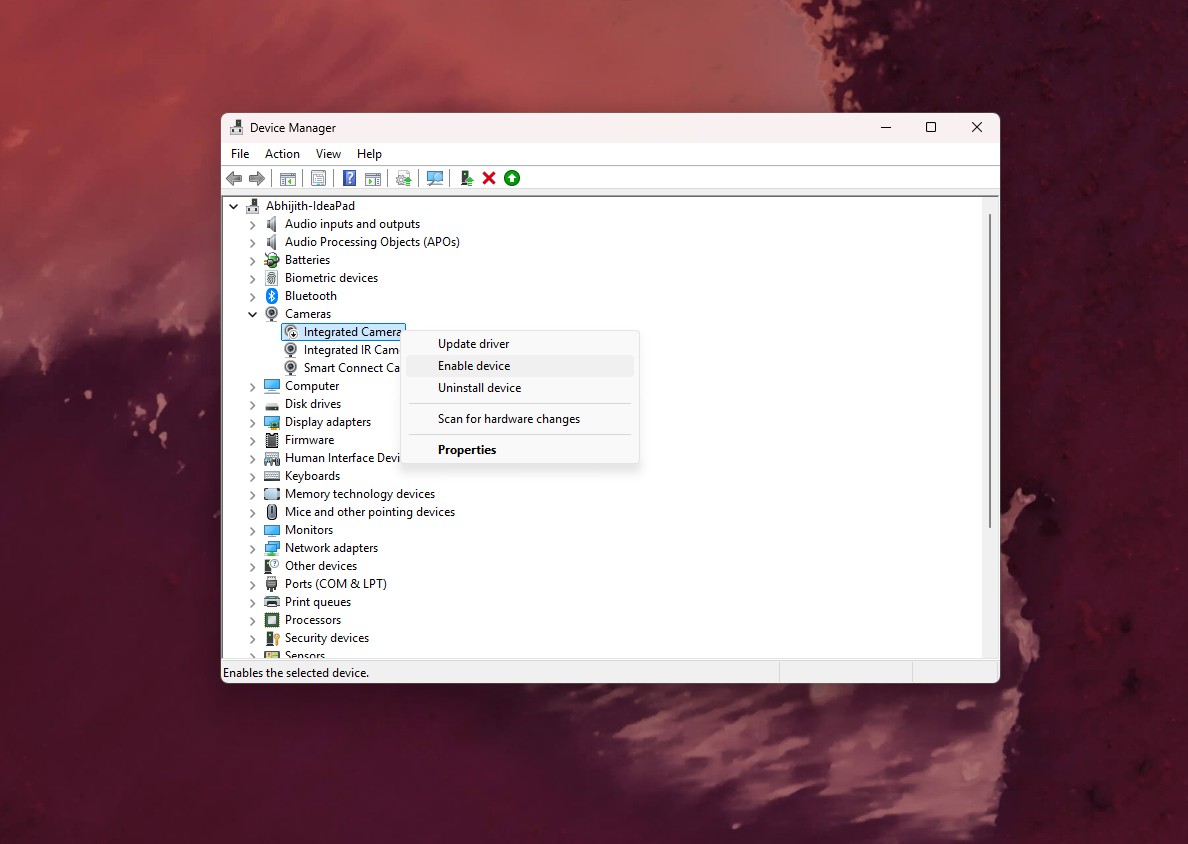
However, this workaround is not recommended for most users. It bypasses the additional security check introduced by MS, disables the webcam for video calls until it is re-enabled, and did not resolve the problem on every PC when users tested it in 2025.
IT Administrators Gain More Detailed Windows Hello Logs
Build 26340.9882 also adds new Windows Hello logging capabilities for IT administrators. These records can help identify configured authentication methods, successful sign-ins, failed attempts, and unlock results.
Event 4628: Located under Event Viewer > Windows Logs > Security, this event records which Windows Hello methods are configured for a user and which method was used to sign in.
Event 4629: This event records failed Windows Hello authentication attempts.
Events 5010 and 7010: Located under Applications and Services Logs > MS > Windows > HelloForBusiness > Operational, these events record individual sign-in and unlock attempts together with their results.
Events 4628 and 4629 use the existing Audit Logon policy.
A Small Change With Everyday Benefits
Windows Hello is convenient when biometric authentication works correctly, but the previous sign-in interface often required unnecessary interaction. Keeping the PIN field available while face or fingerprint recognition remains active is a modest interface improvement that users can benefit from whenever they open their device.
MS has not announced when this redesigned sign-in experience will become available on standard Windows 11 PCs.